
An on demand test request is only available in the BACtrack View app.
- Log into the BACtrack View App.
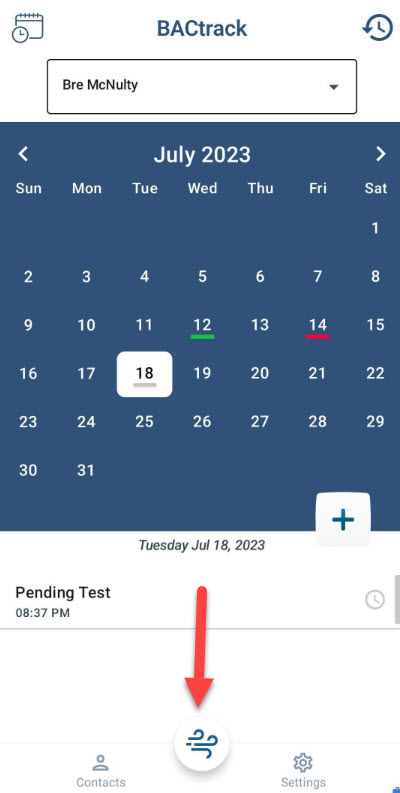
- Click the air icon in the bottom middle of the app.
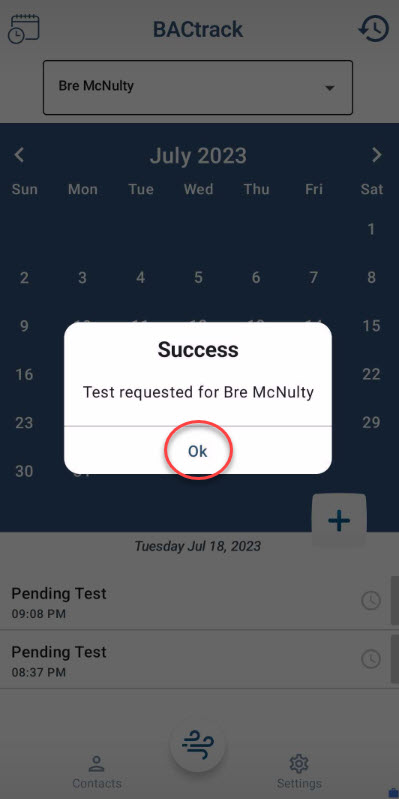
- A pop up will appear to let you know a test request has been sent. Click okay.
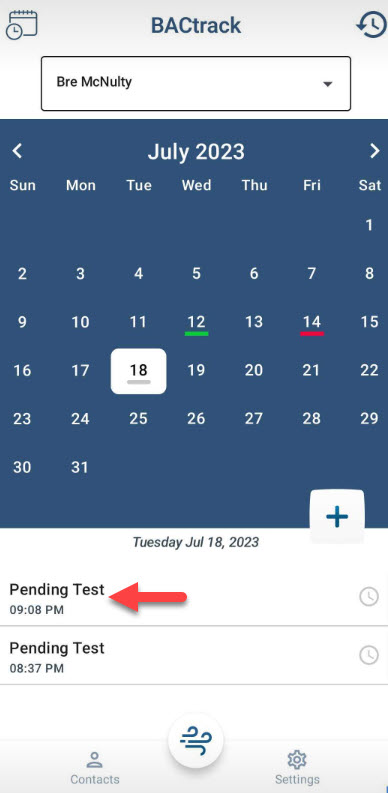
- The requested test will show under the calendar as a pending test. Your tester will receive a notification right away to take the test and they have 35 minutes to complete it before it is marked as a missed test.
Comments
0 comments
Please sign in to leave a comment.