
1. Navigate to https://monitoring.bactrack.com/
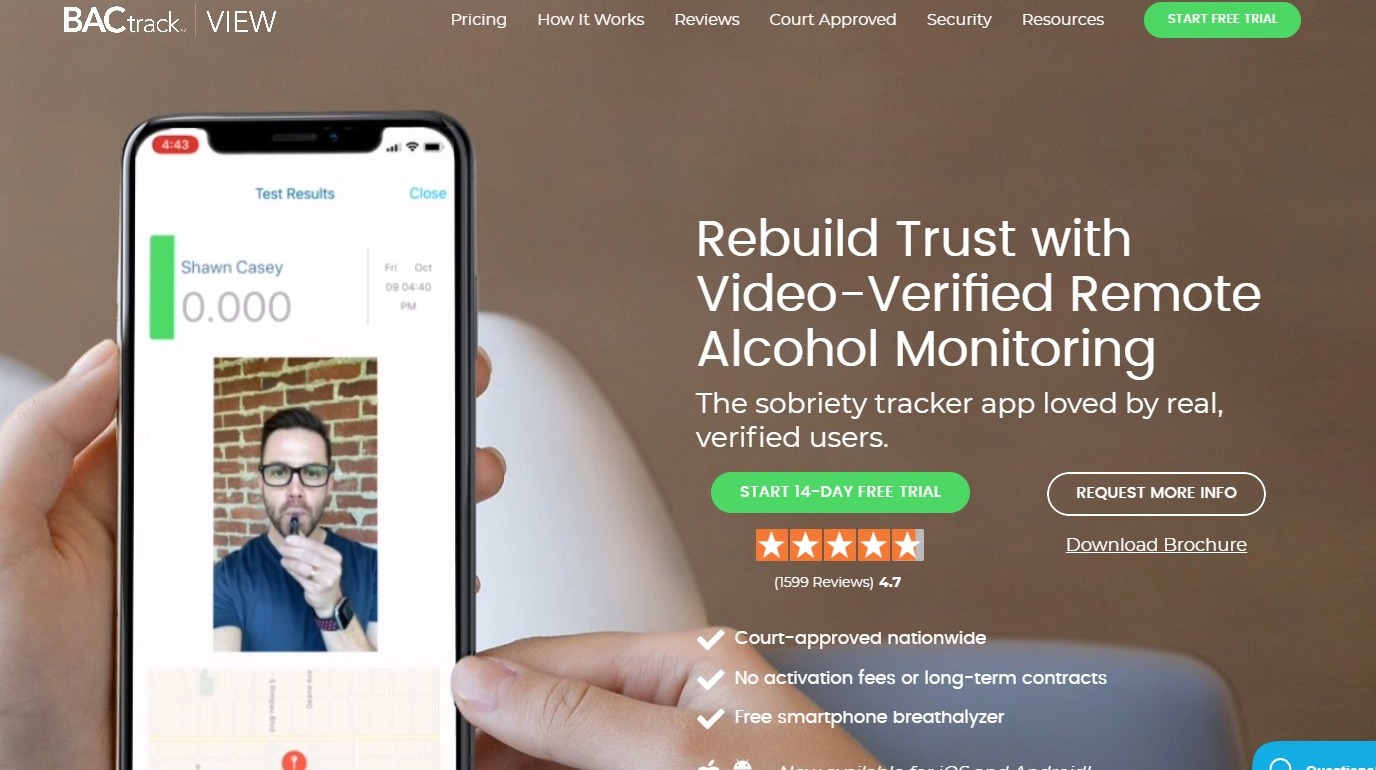
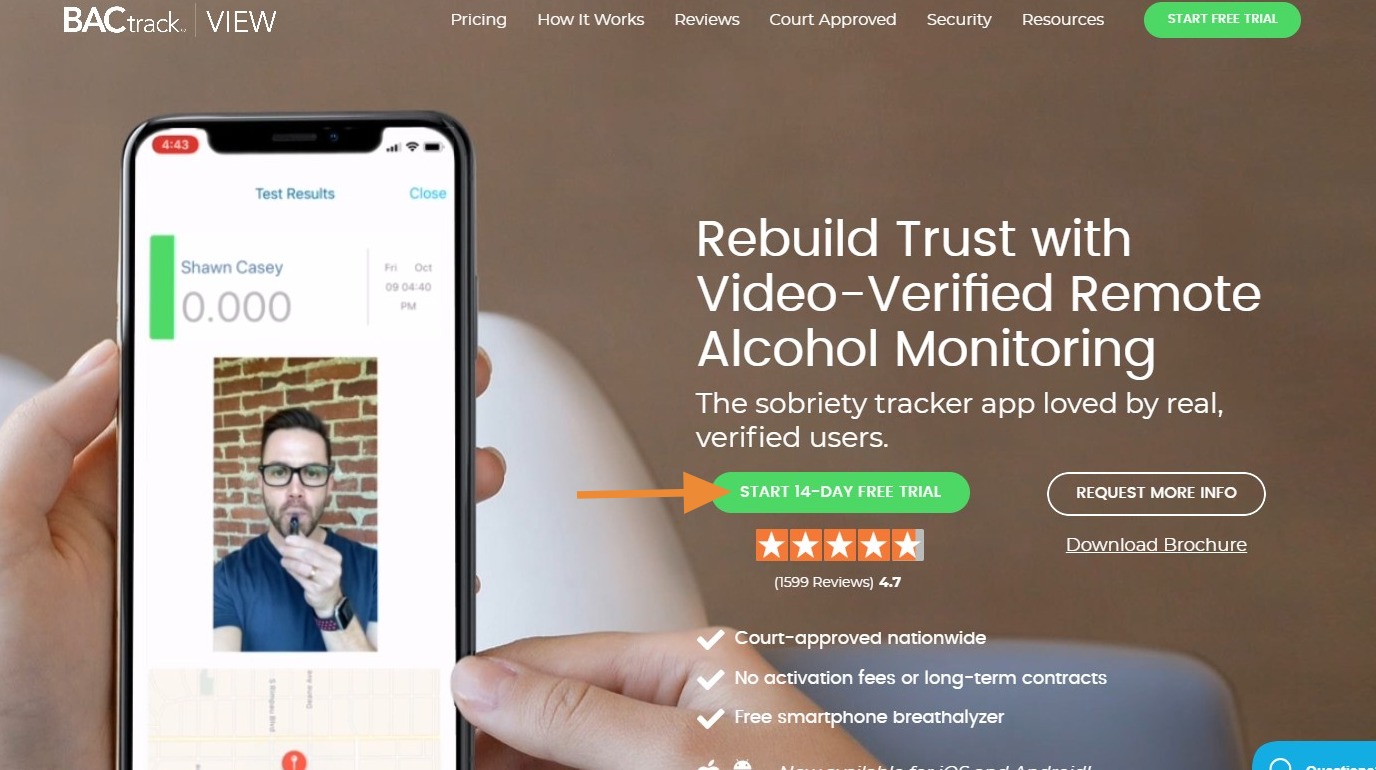
2. Click "Start 14-Day Free Trial"
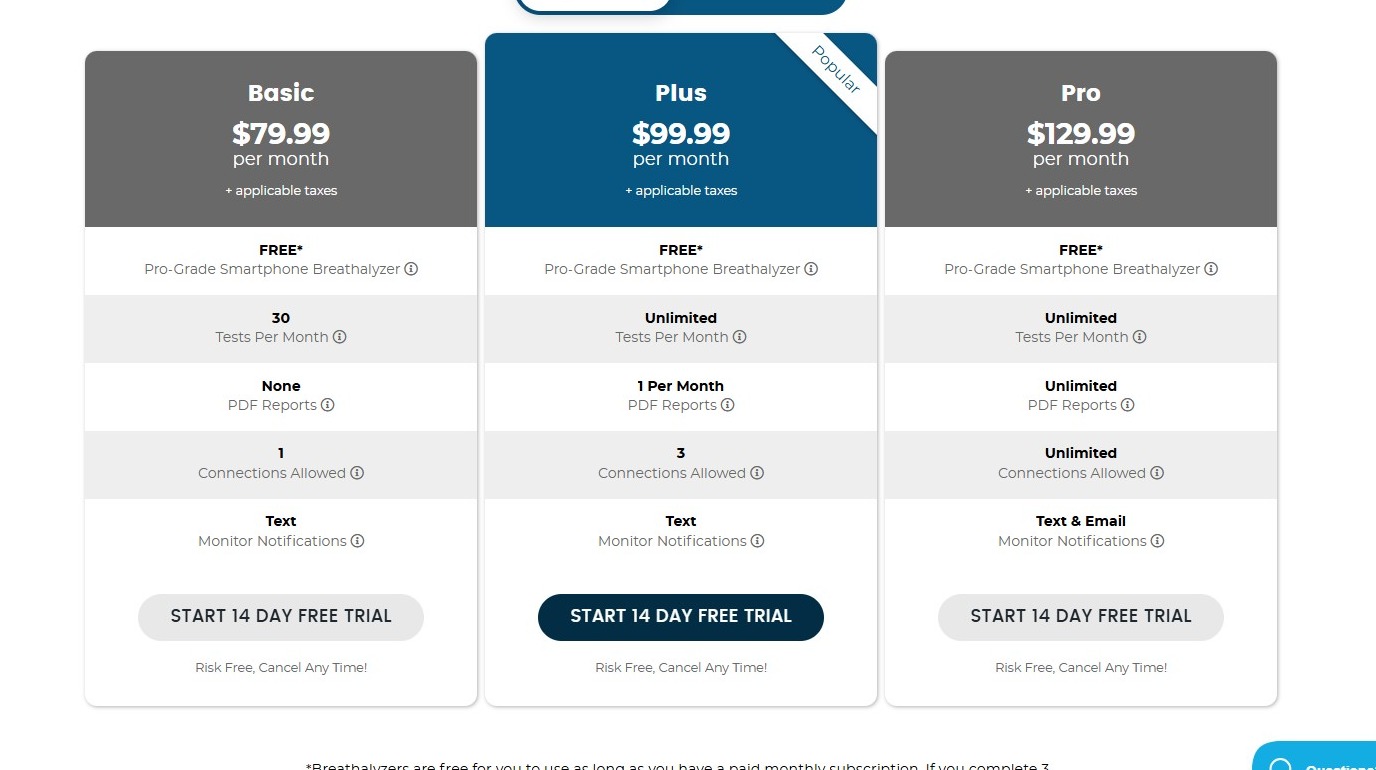
3. Next, you will see our pricing plans. There are monthly and pre-paid plans to choose from.
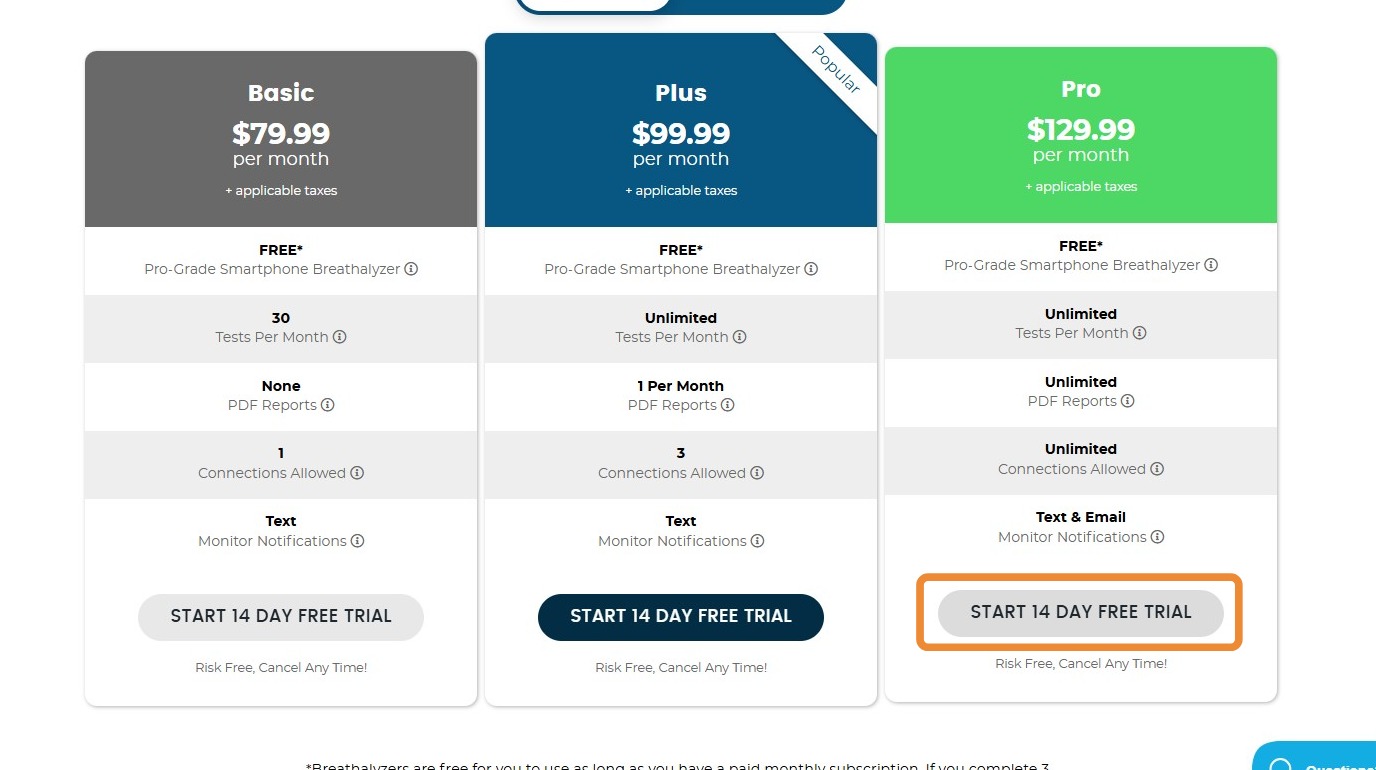
4. Click "Start 14 Day Free Trial" under the plan you choose. In this example, it is the PRO plan for $129.99 per month.
5. Next, you will be taken to the page to enter in all of your information.
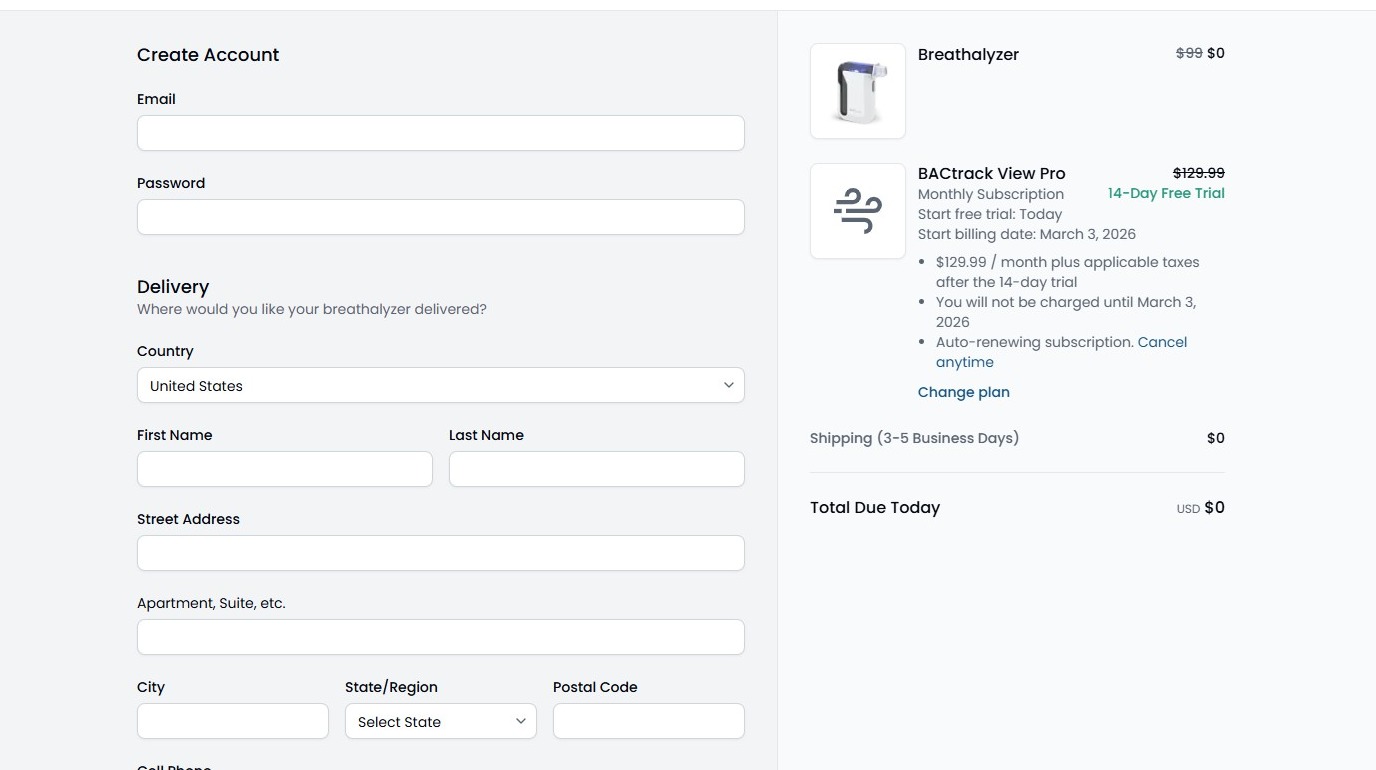
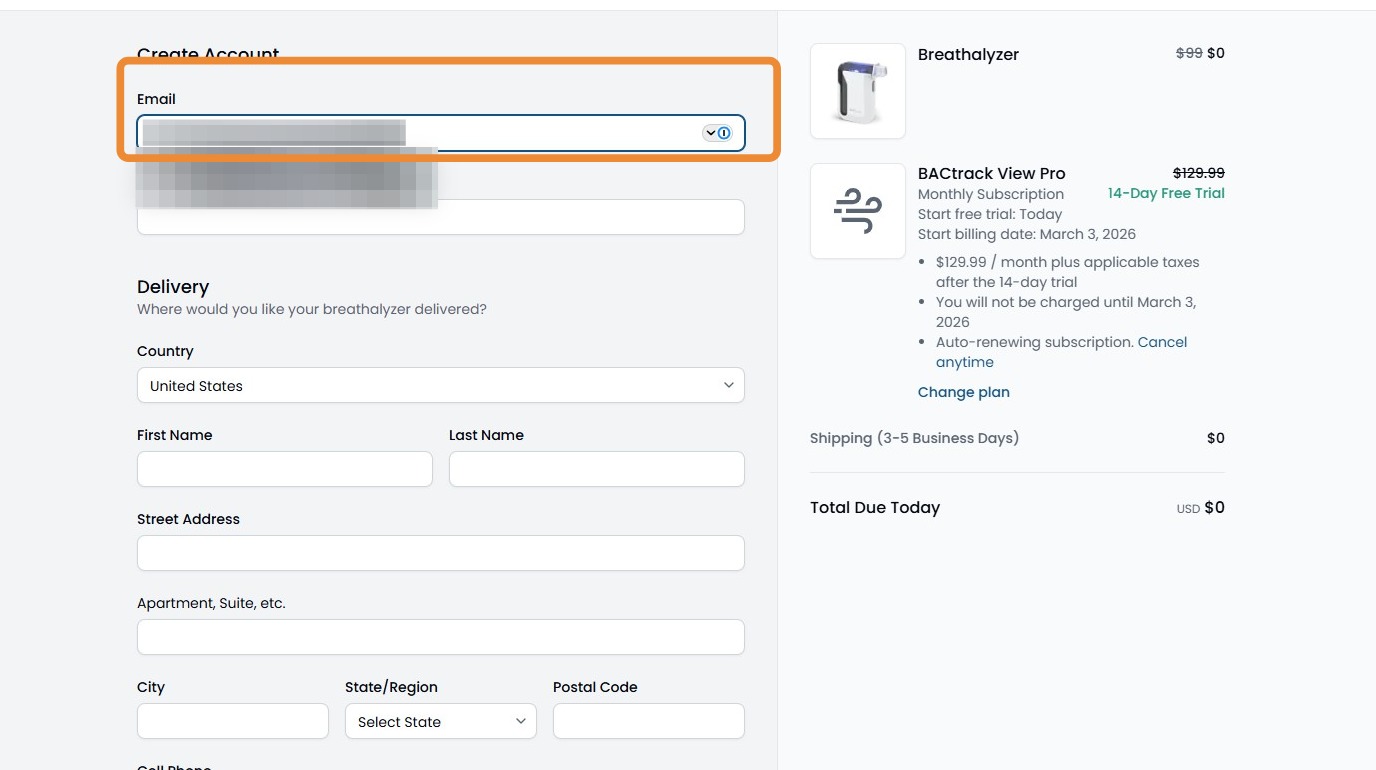
6. First, enter the email address you would like to use for your account. This will be the same email address you use to log in to the app and web portal.
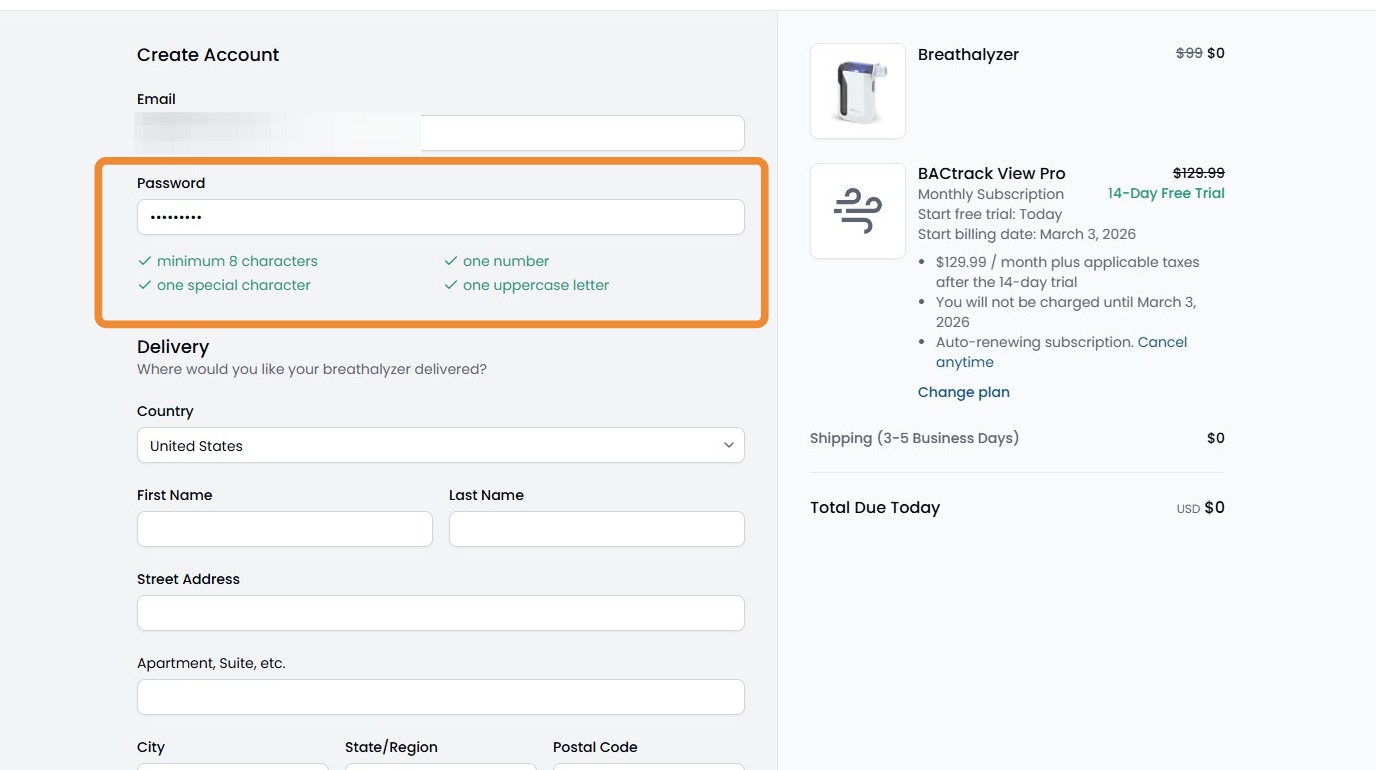
7. Create your password. Please review the password requirements shown below the text box. Once all requirements are met, they will all appear green with a check box.
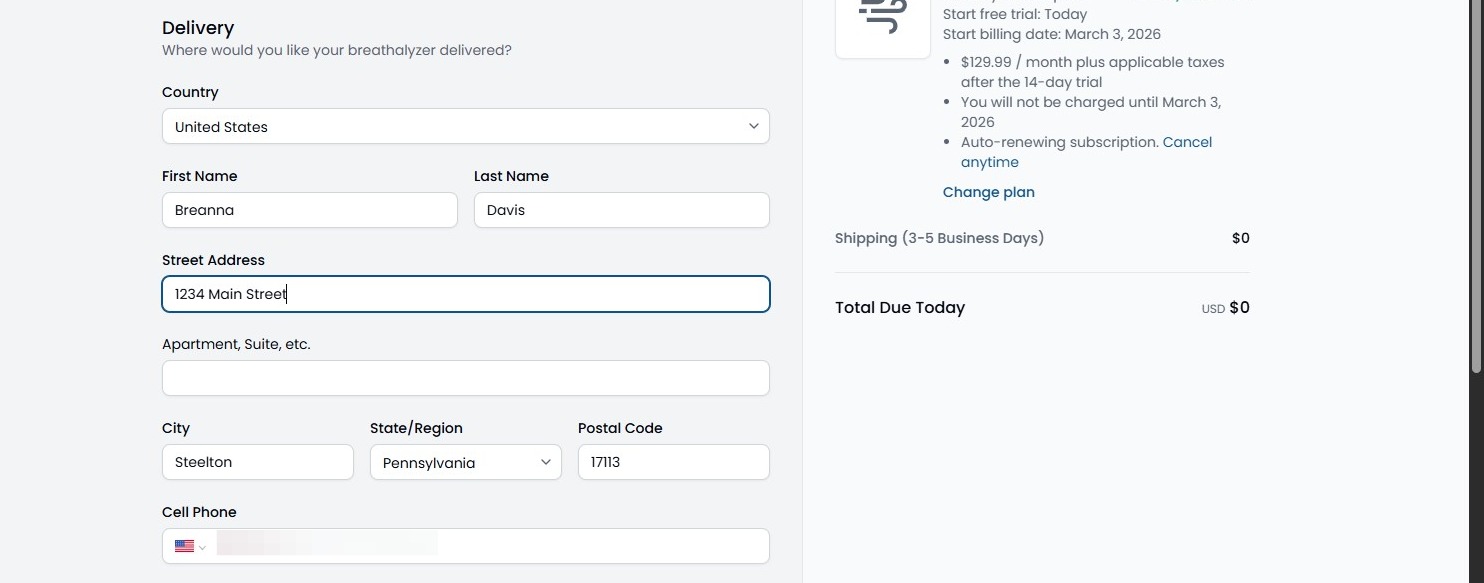
8. Next will be the delivery information. Please select your country, enter your first and last name, shipping address where the breathalyzer will be delivered, and your phone number.
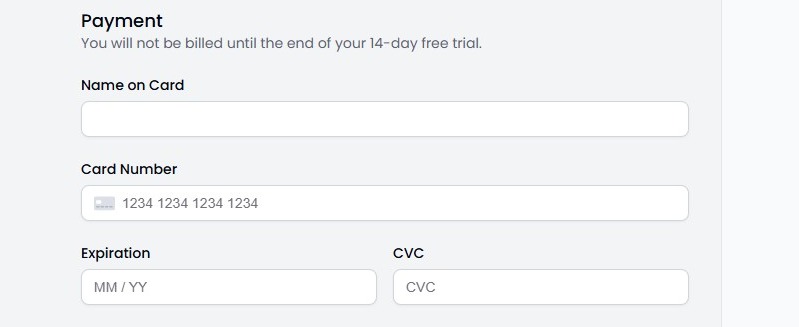
9. Next, please enter in your payment information. This will be the card on file for your subscription payments.
You will enter the name on card, card number, expiration date, and CVC.
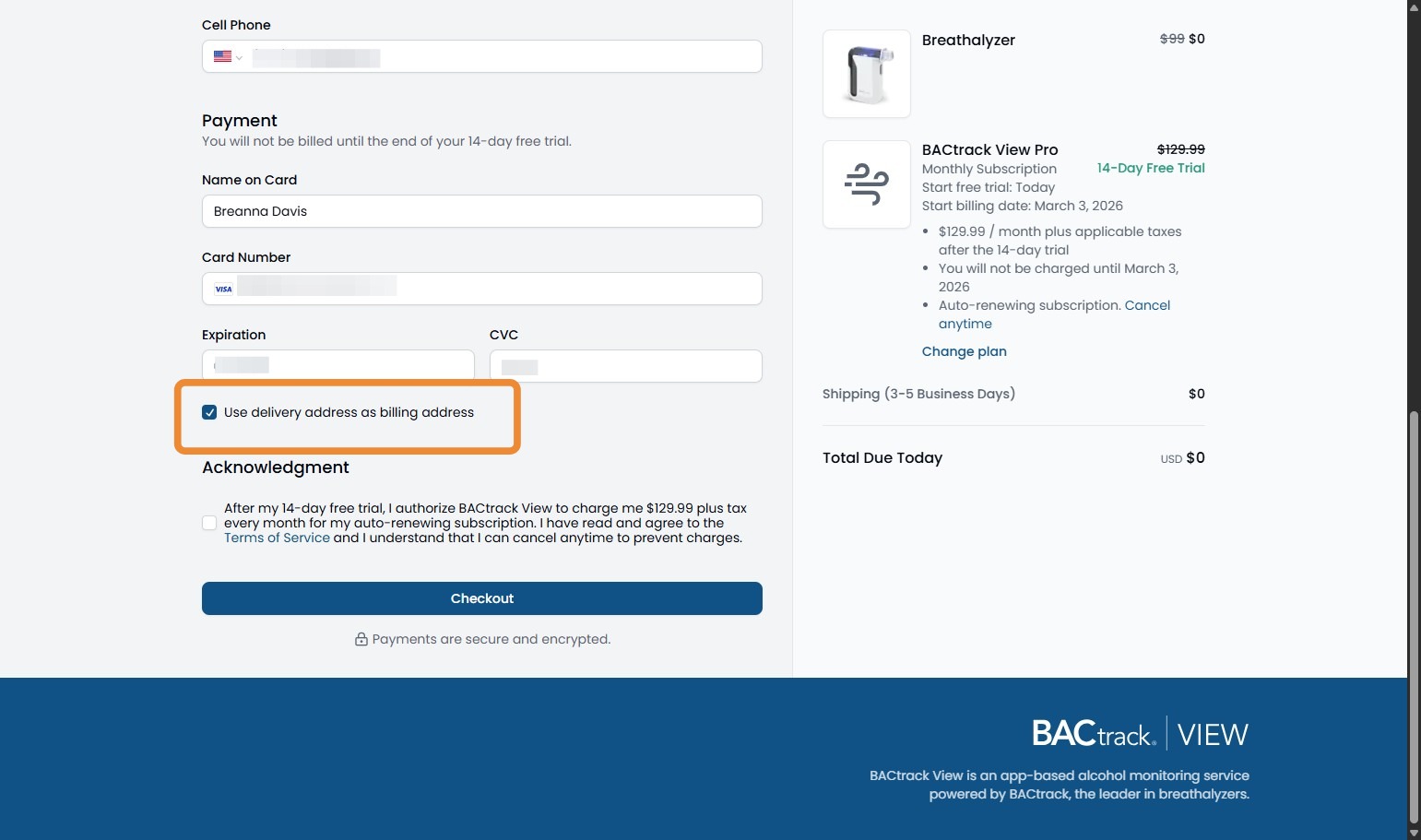
10. If the delivery address is different than your billing address, please uncheck the box and enter in the billing address.
If the same, please leave the box checked.
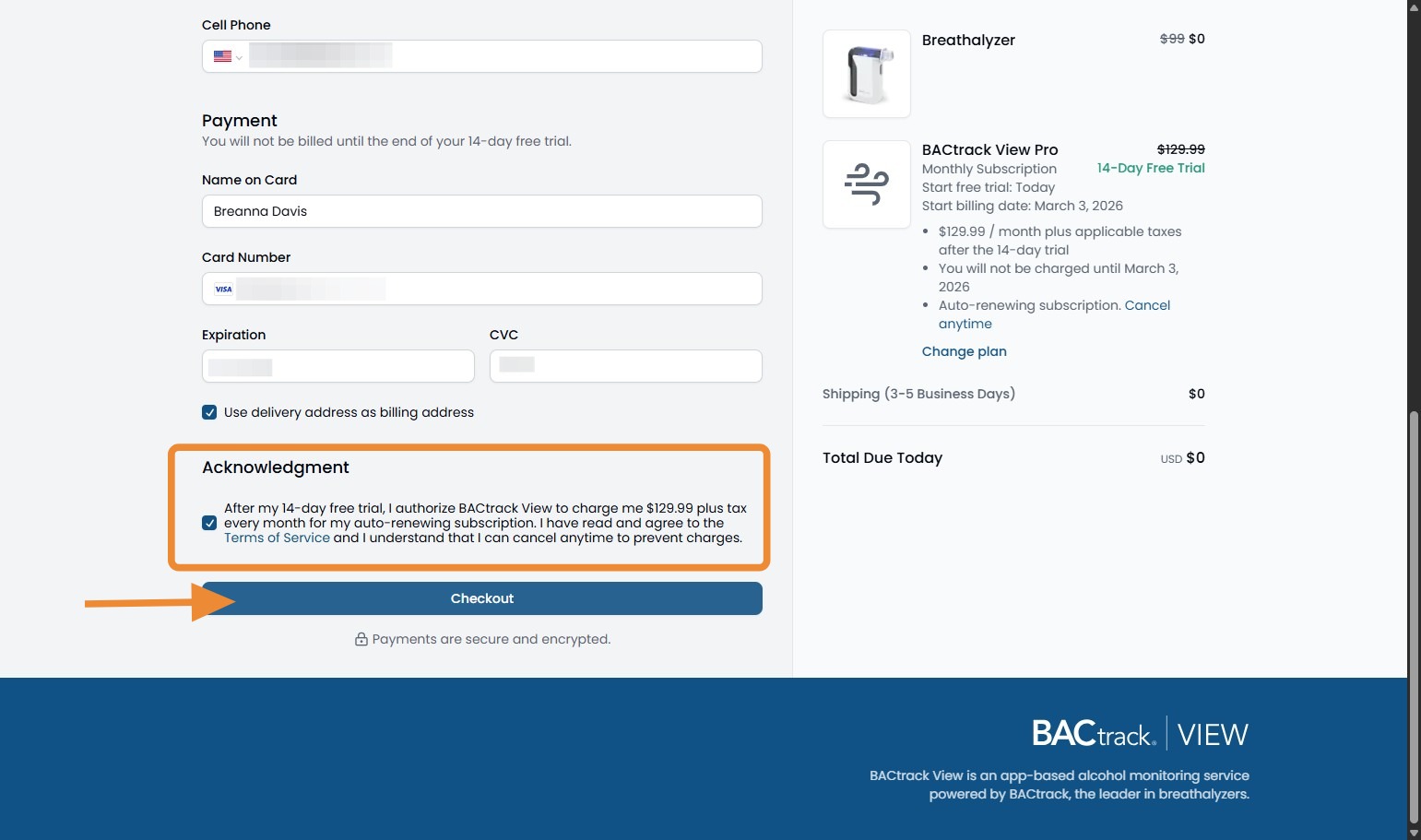
11. There will be an acknowledgement regarding billing and terms of service. Please select that box and click Checkout at the bottom of the screen.
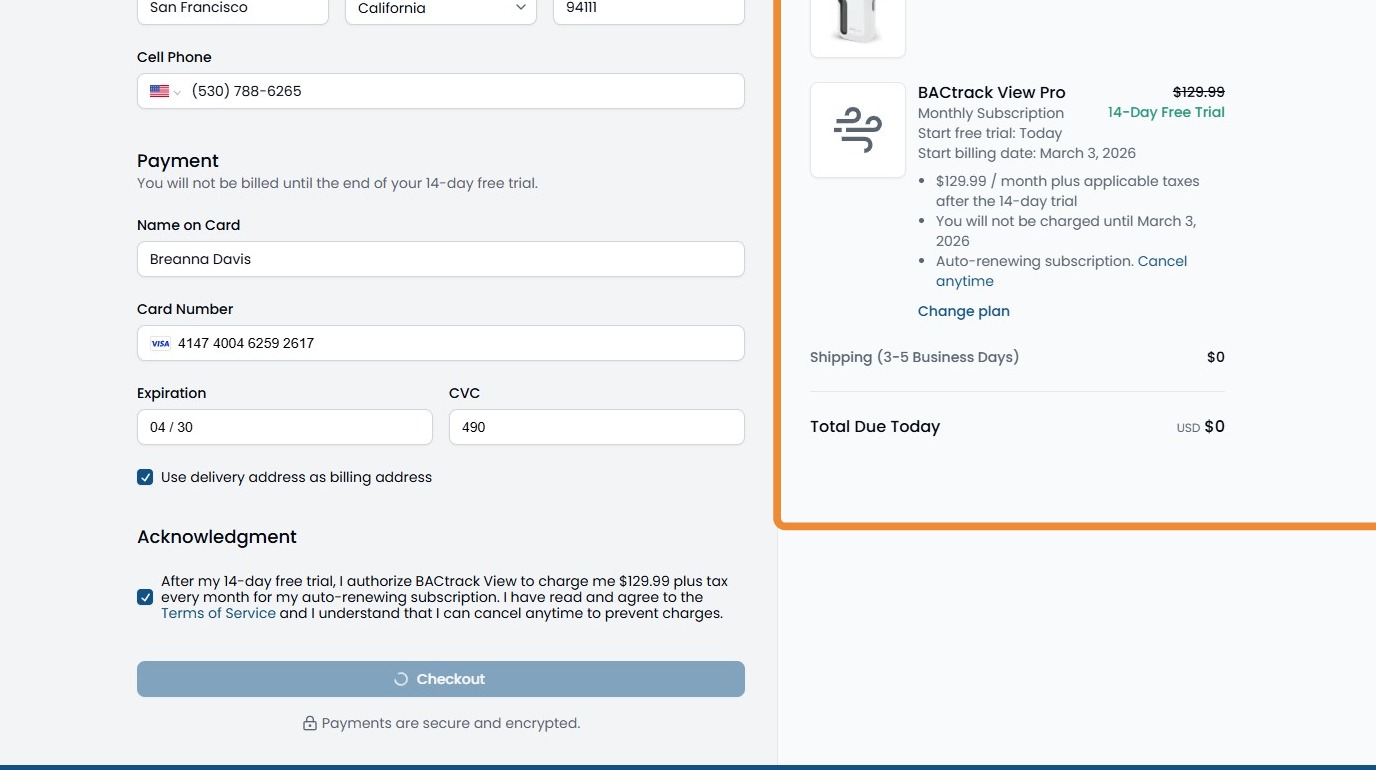
12. You will also see an overview of your plan, billing, and shipping on the right side of your screen.
13. The next screen will be to select your role. A brief description of each role is listed below. If you select the incorrect one, it can be changed later.
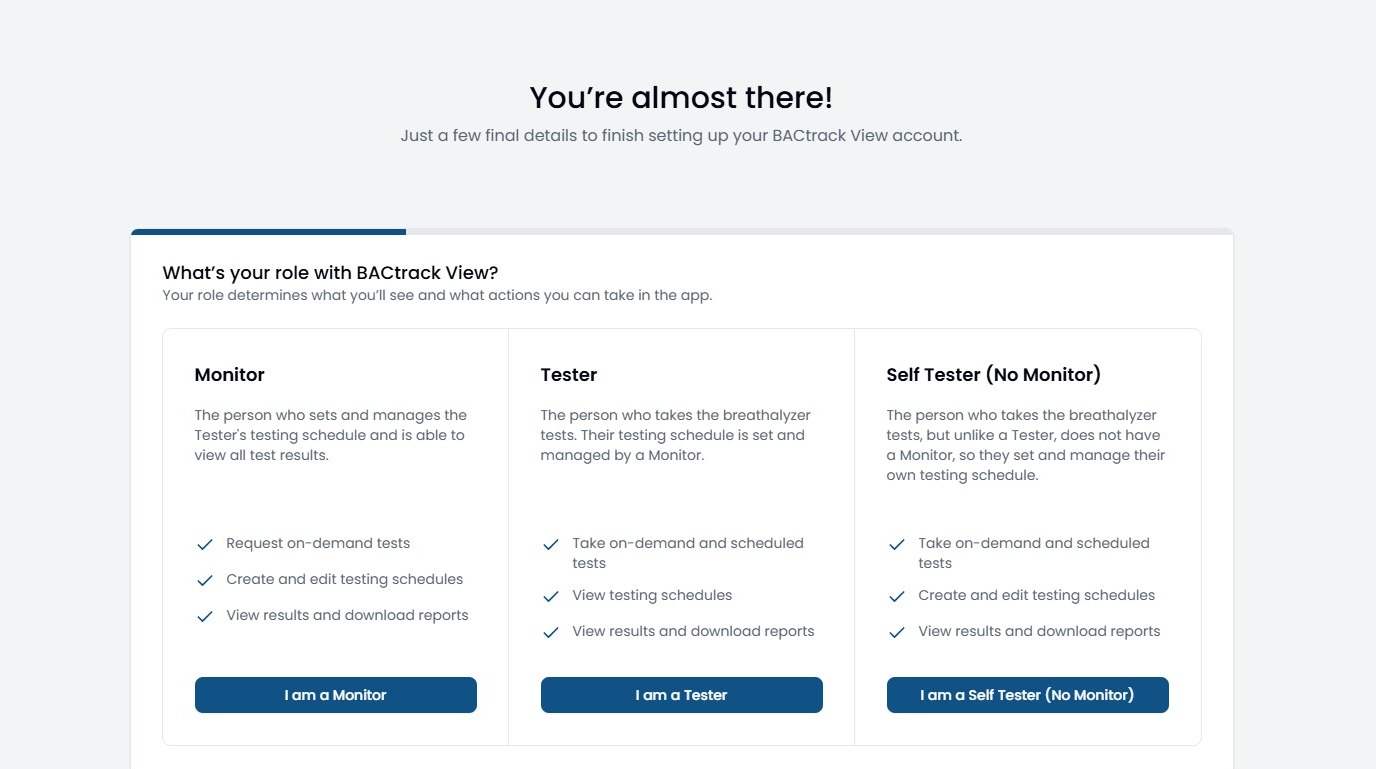
14. In this example, we will select I am a Tester.
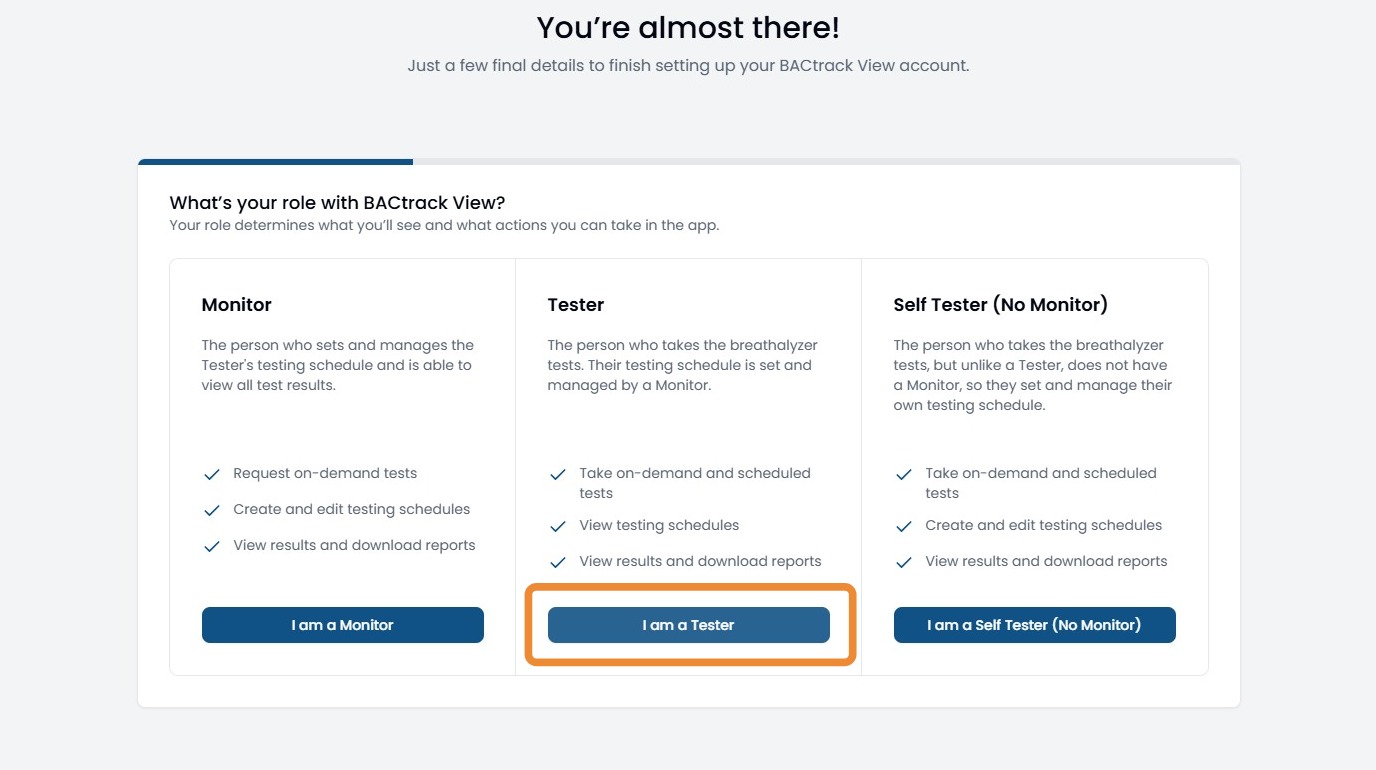
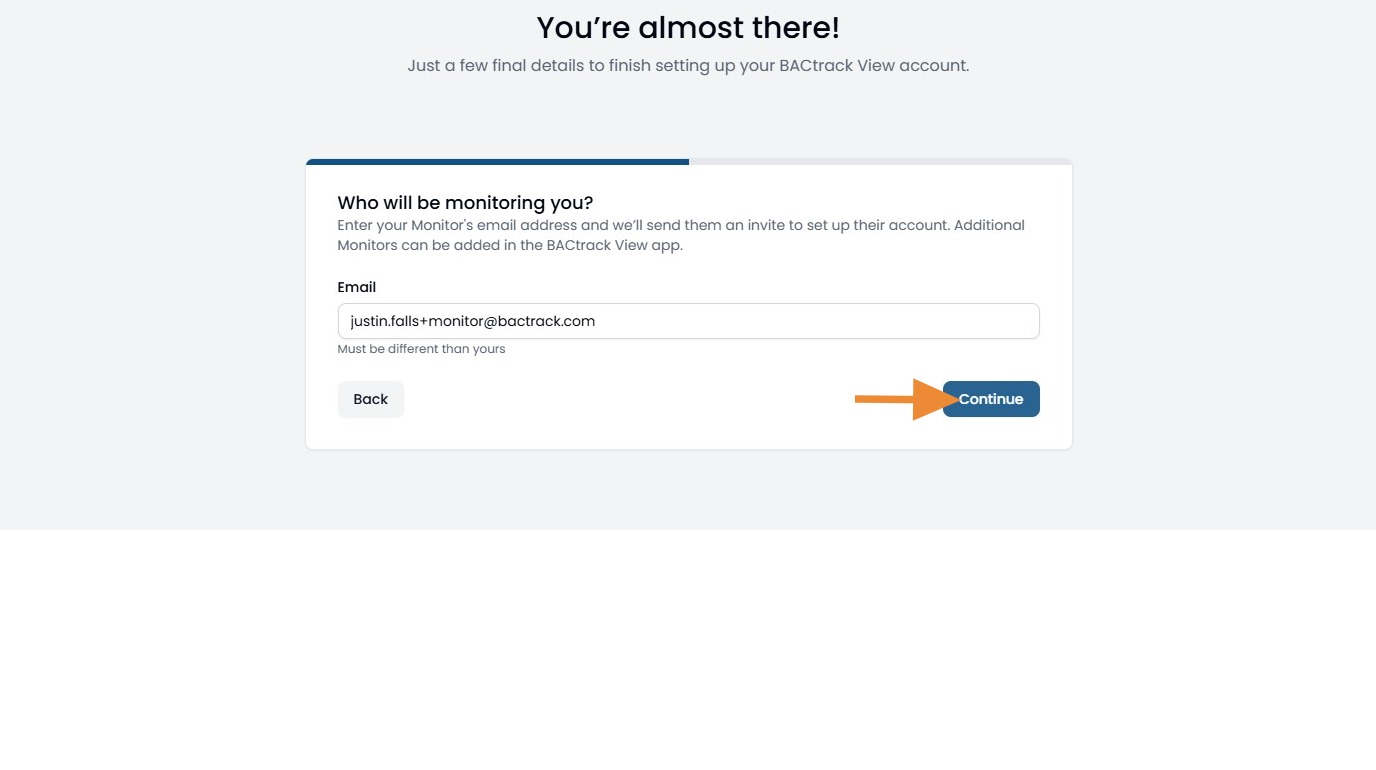
15. Since we selected tester, we need to enter in the email address for the person will be monitoring. You will be able to add additional people to the account later.
If you selected monitor, you will need to enter in the email address of the person who will be testing.
Once entered, click Continue.
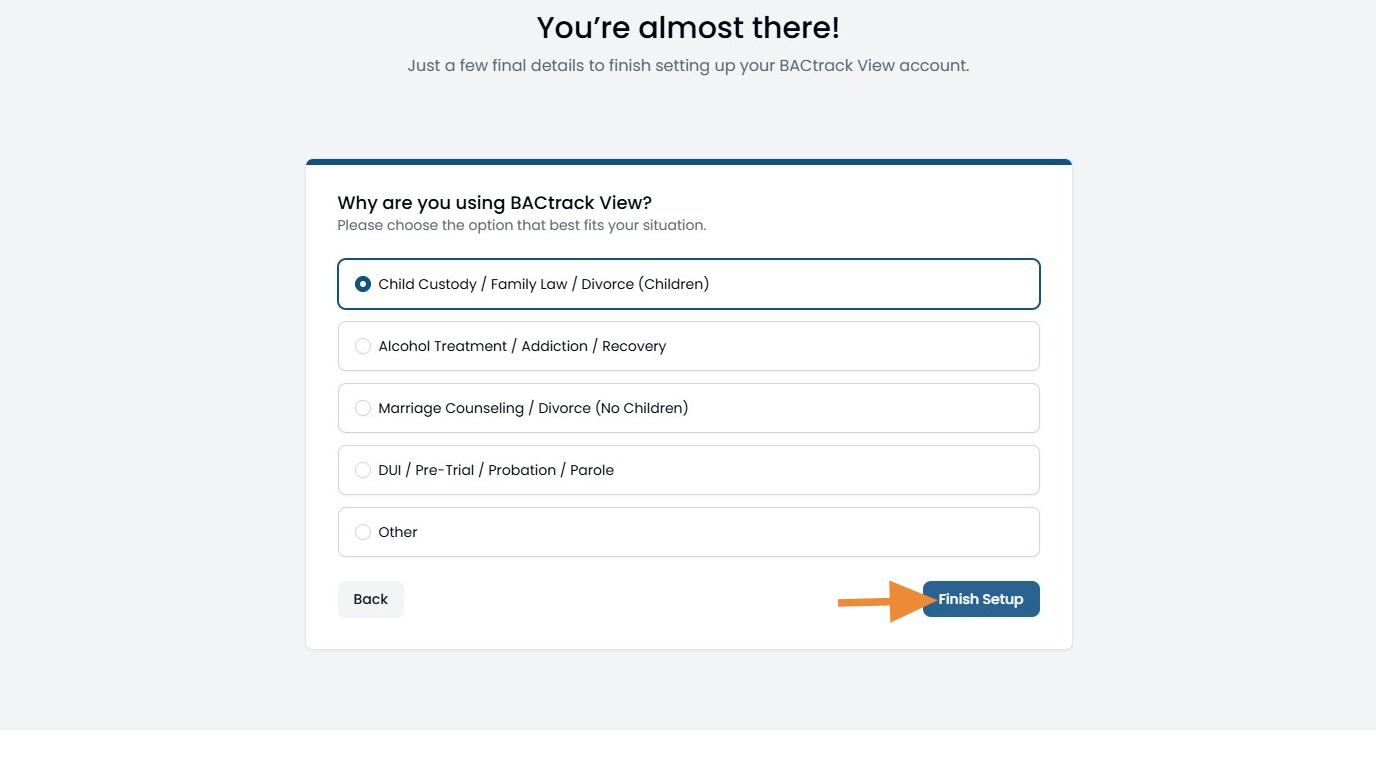
16. Next, please select the reason you are using BACtrack View. We will be able to provide the applicable resources for you based on your reply.
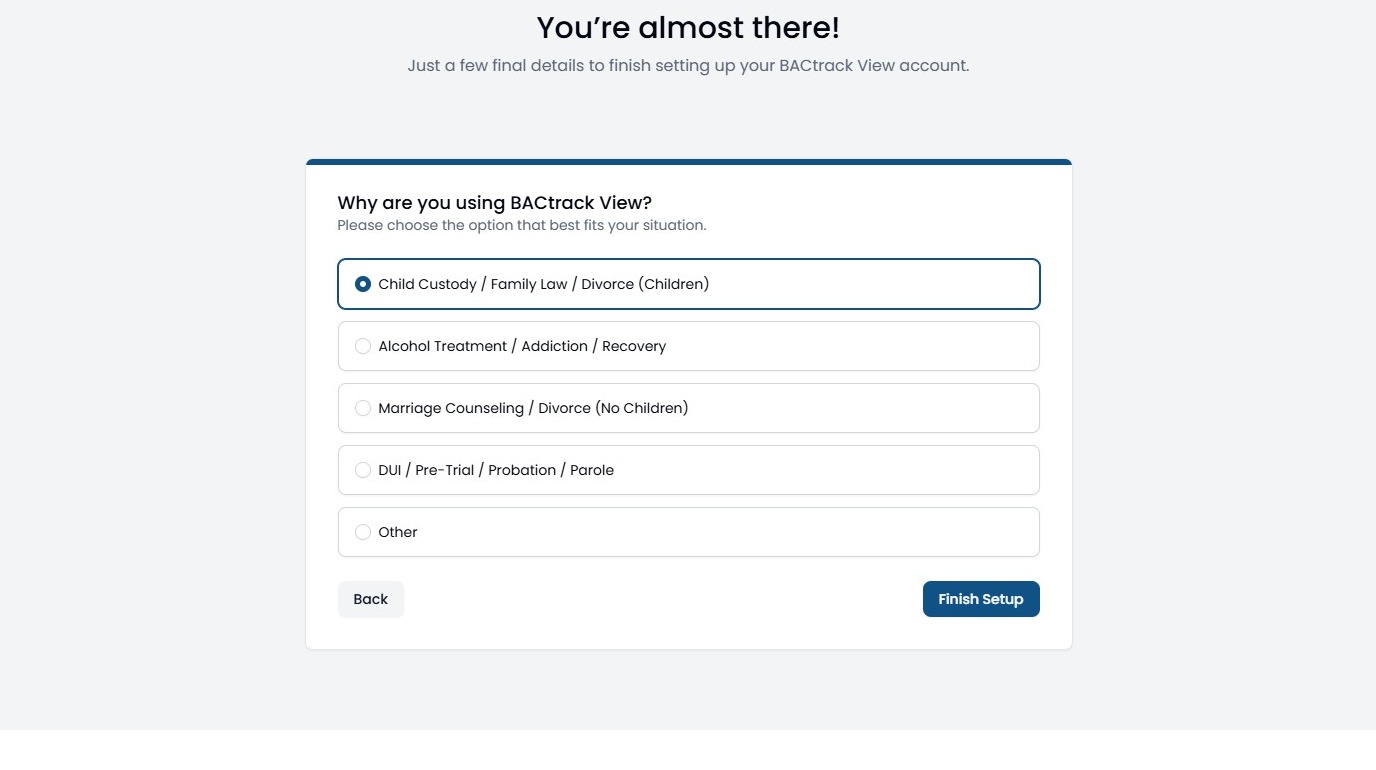
17. Click "Finish Setup"
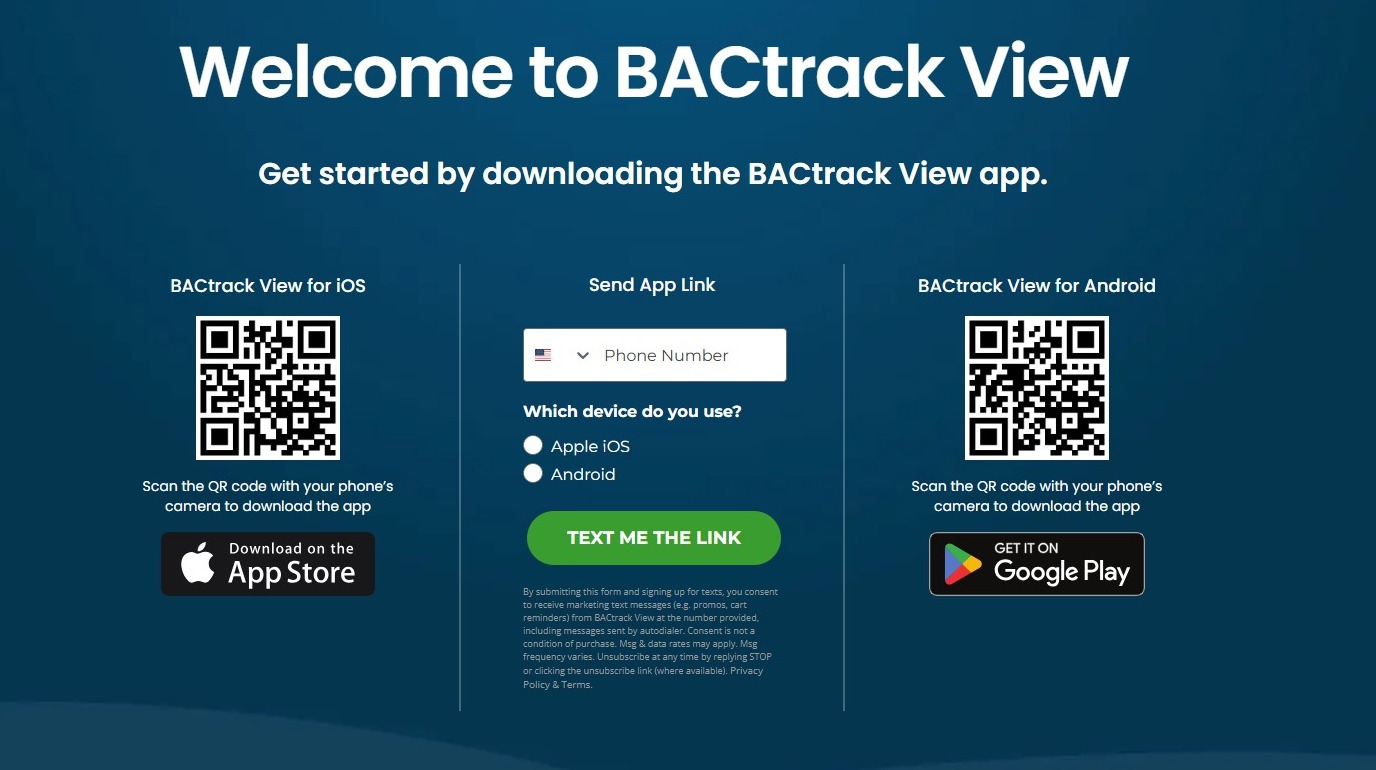
18. Next, you will be able to scan the QR code and/or have us text you the link to download the app directly.
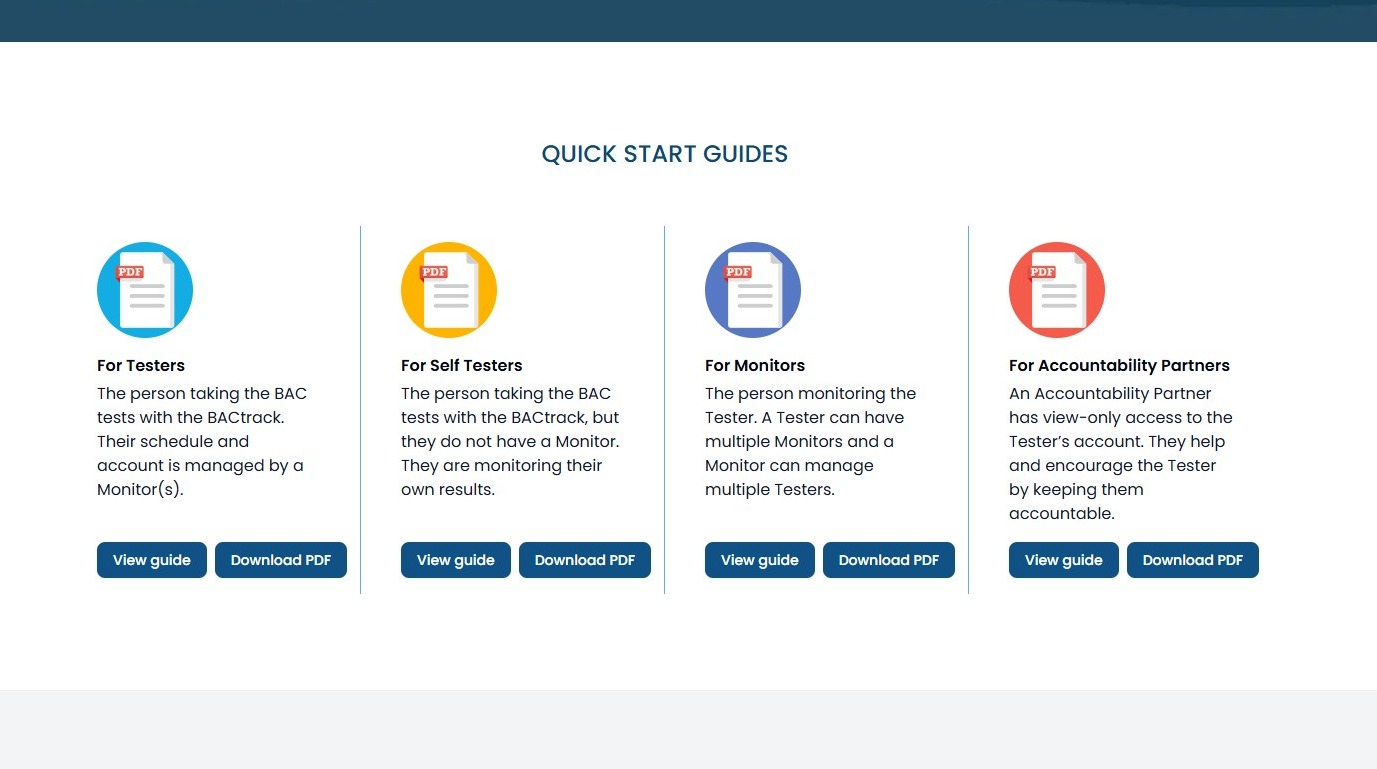
19. If you scroll down, you’ll find our Quick Start Guides to help you get started with BACtrack View.
The guides are organized by role, so you can view or download the one that applies to you—and explore other roles if you’d like to learn more.
20. If you scroll a bit further, you will be able to see a few of our Getting Started FAQs.
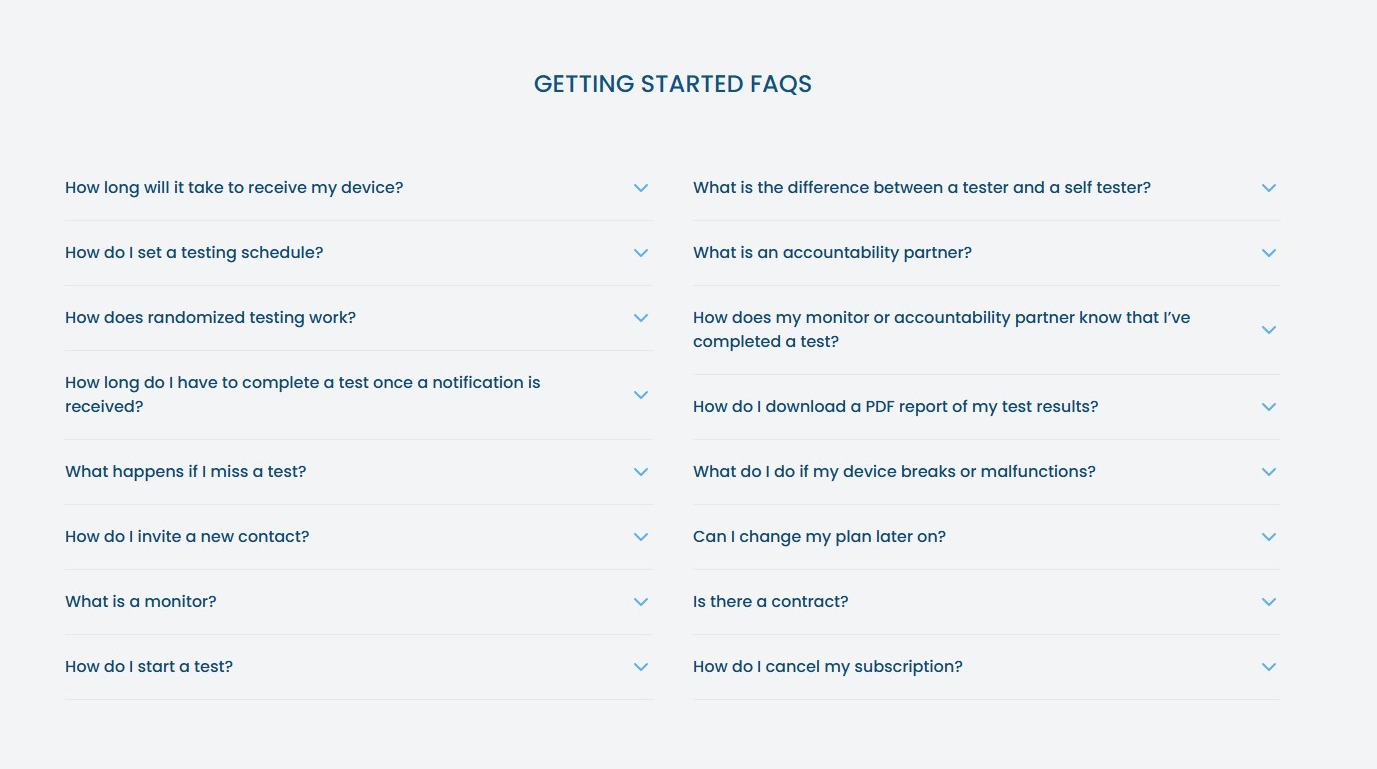
21. The sign up process is now complete. Your device will be received in 3-7 business days. Feel free to start exploring the app, web portal, and resources.
Comments
0 comments
Article is closed for comments.